Brand guidelines PDF
Every page in one guide, ready to share or print.
I have a logo and want a brand kit.
AI brand kit generator
Colours, fonts, logo rules, voice, mockups and a brand guidelines PDF, all built from the logo you chose.
Upload my logoCreate a logo firstRead the Little Owl case study
A real exported PDF · Little Owl Coffee · Open the PDF
Every page in one guide, ready to share or print.
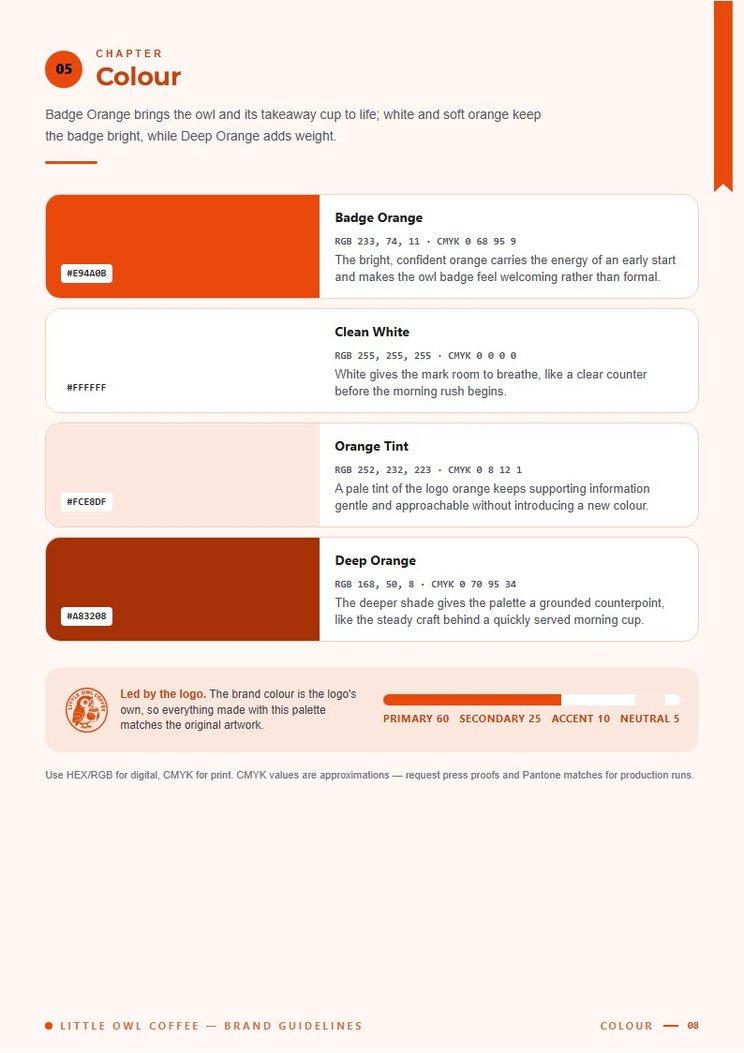
Colours from your logo, with HEX, RGB and CMYK codes.
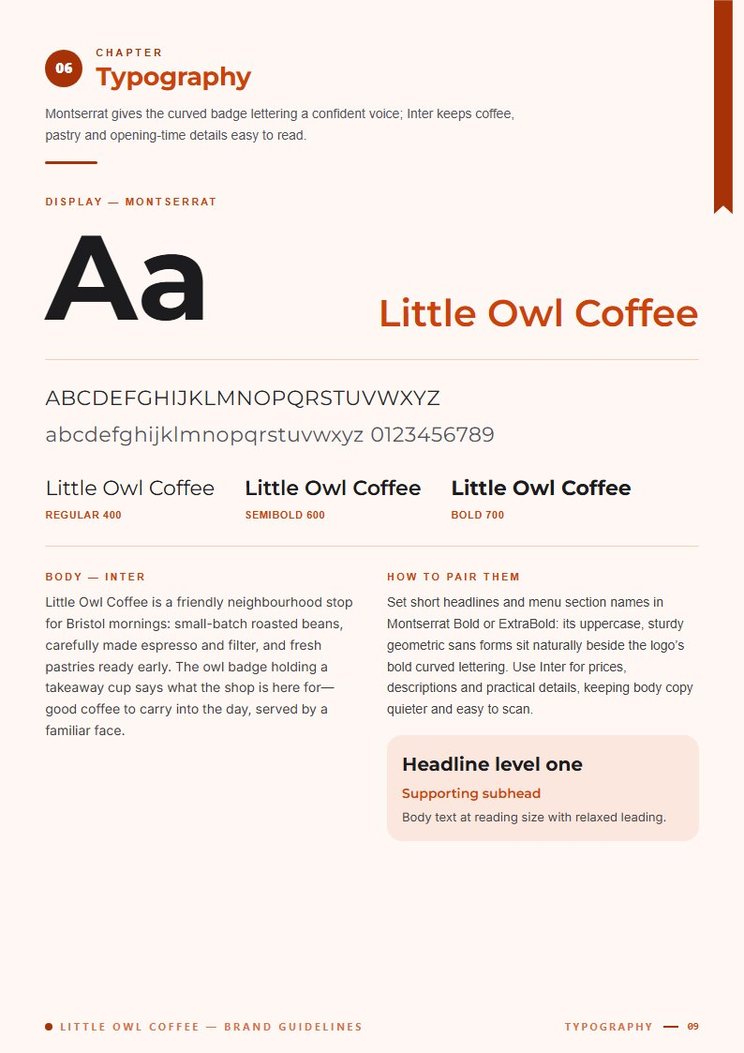
A heading and body font pair, with sizes.
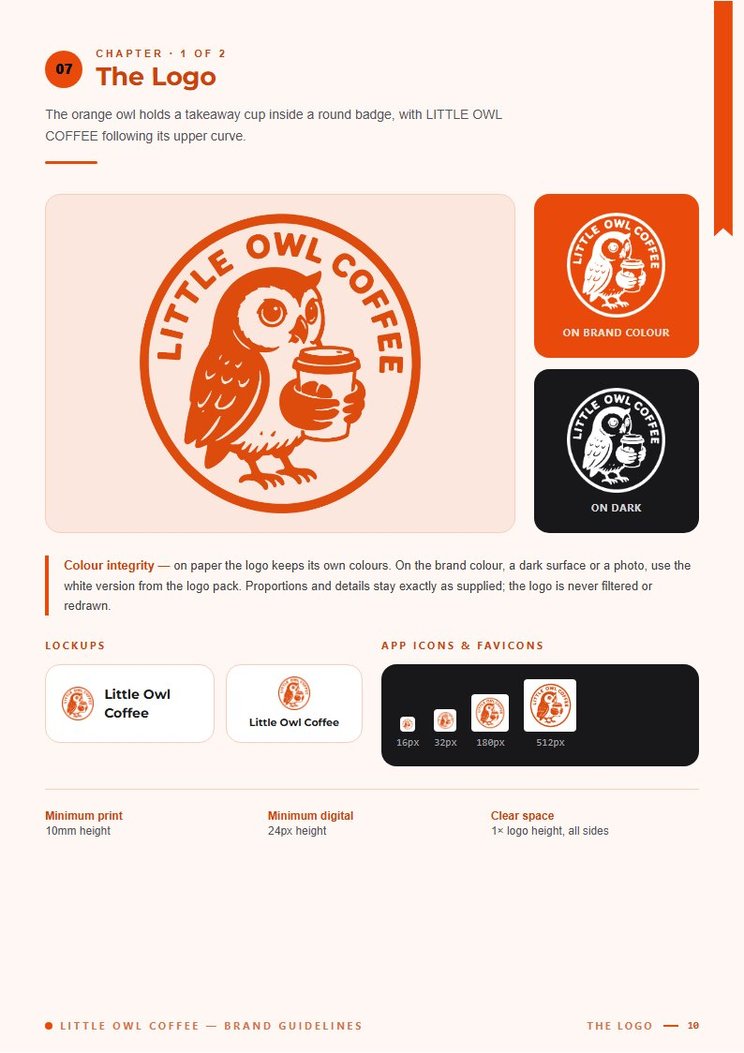
Clear space, minimum sizes and the right backgrounds.
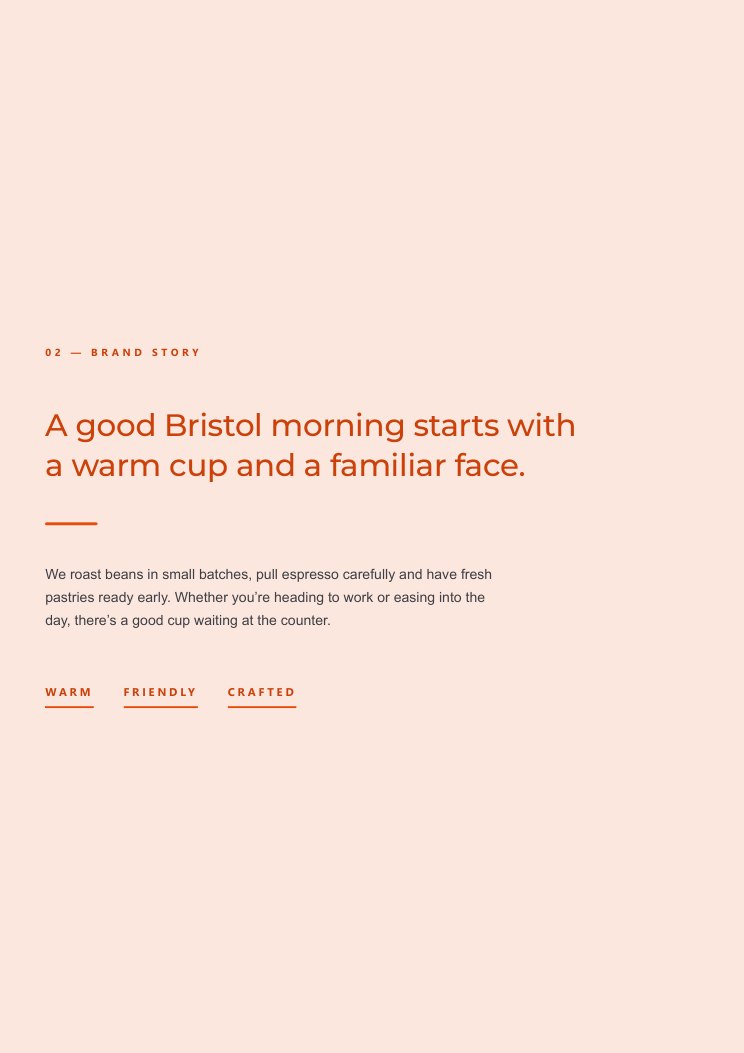
Who you serve and how your brand sounds.
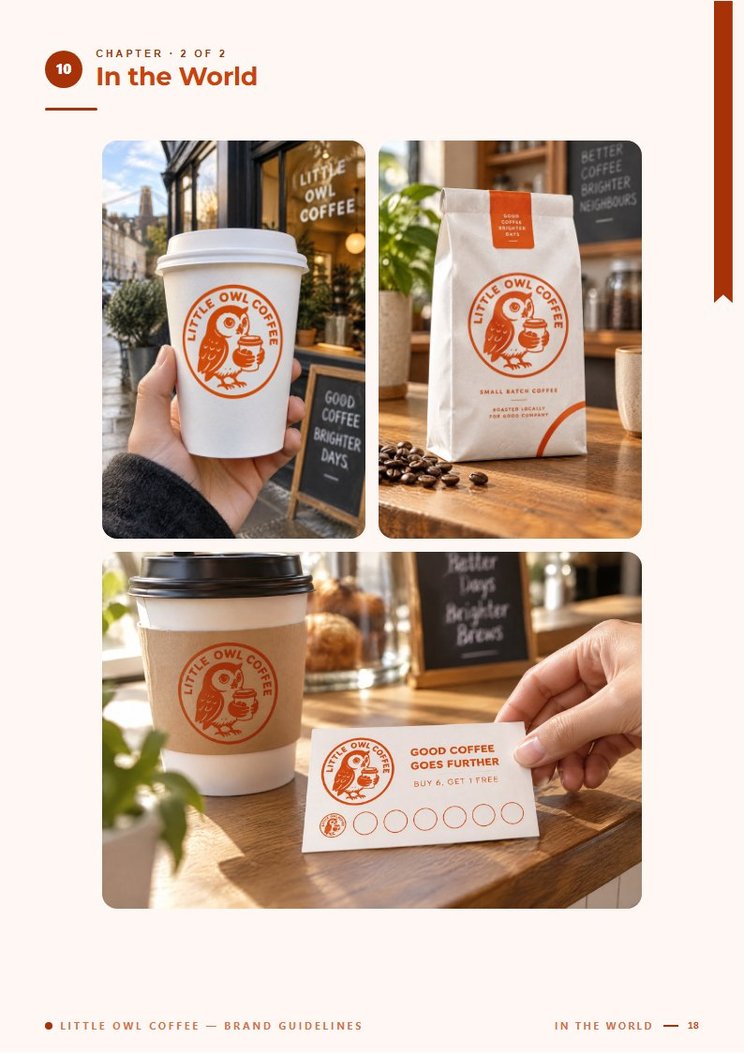
Your logo shown in use, in your colours.
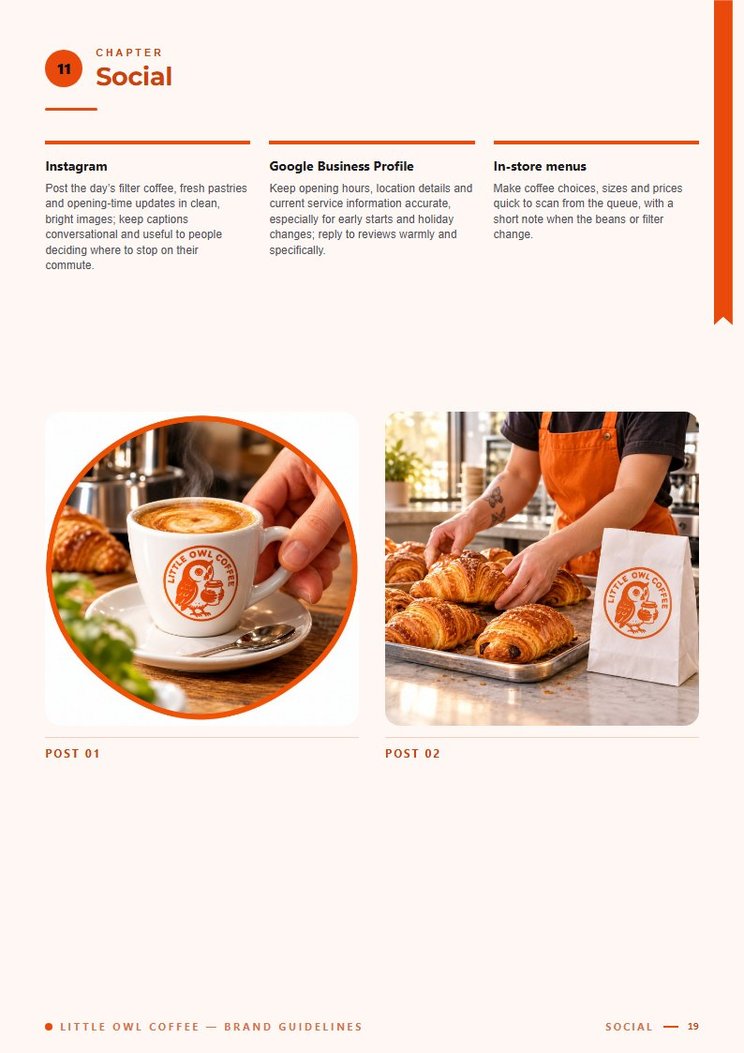
Posts in your colours, ready for your pages.
Upload the logo you have, or pick one in Creative Studio. The kit builds on it and on your business details.
Every swatch comes from your logo, with HEX, RGB and CMYK codes. The mark stays exactly as you chose it.
Download the brand guidelines PDF and pass it to a designer, a printer or any tool you work with.
Add each person's name, role and contact details once. Every one gets a print-ready card and an email signature.
Download the whole AI brand kit at once, sorted into folders you can hand straight on.
Little_Owl_Coffee_Brand_Kit.zip
See how a café description became a badge, a brand guide and a winking owl.
See how one Creative Studio board grew into a full tree care brand.
See how one dog daycare logo grew into a full brand guide.
A Bristol coffee shop's description became an owl-and-cup badge, a full brand guide and a playful AI edit, all from one chat.
One description of a Kent tree surgeon became a board of logo ideas, a green badger-and-oak mark and a complete brand guide.
A playful logo became a complete guideline PDF that could be handed to a collaborator or another AI with the full brand context.
Quick answers about Vectura.
A brand kit generator turns one logo into a full set of brand guidelines. Vectura builds your colours, fonts, logo rules, story, voice, mockups and ready-to-use files from the logo you chose, then exports a brand guide PDF.
Yes, the kit is built from a logo. Upload the one you have, or create one in Creative Studio and open Brand Kit on the logo you pick.
A Brand Kit can include a logo system, colour palette, typography, brand story and positioning, voice guidance, usage rules, social-media treatments, stationery, and contextual mockups. It is generated on demand from a selected logo on Creator, Max or Launch Pack, whenever you choose to build one.
Yes. Change the colours, fonts and wording, refine the brand voice with AI, and add your team's details for business cards and email signatures.
One ZIP with the brand guidelines PDF, your original logo plus vector files when available, a see-through logo pack, favicons, colour codes, font links, social posts, mockups, business cards, email signatures, profile pictures and social covers.
Brand Kit generation comes with Creator, Max and Launch Pack. Creator and Max use the credit amount shown on the Generate button before you confirm, and Launch Pack includes one Brand Kit. Free users can preview the complete Wiggles guideline PDF.