I have a logo and want to change it.
AI logo editor
Edit your logo with AI chat.
Upload your logo and say what to change. The AI logo editor redraws it, keeping your idea exactly.
Upload my logoNeed a new logo?
Type the change
Colour, lettering, a new detail. Plain words work.
Mark the canvas
Sketch where it goes. It is redrawn in your logo’s style.
Suggest improvements
Free ideas in the chat. Pick one and press Go.
Edit your logo with AI: ask in your own words
Make it copper orange
Make the stones brick colour orange
Suggest improvements
Which improvement matters most to you?
- Clearer tree care
- Stronger signature
- More refined and simple
- You decide
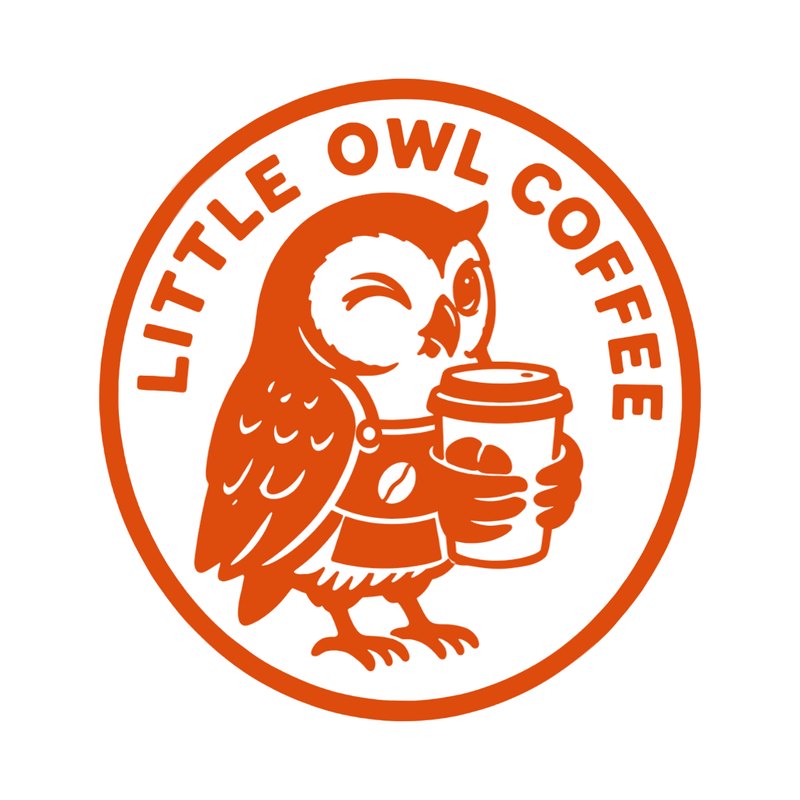
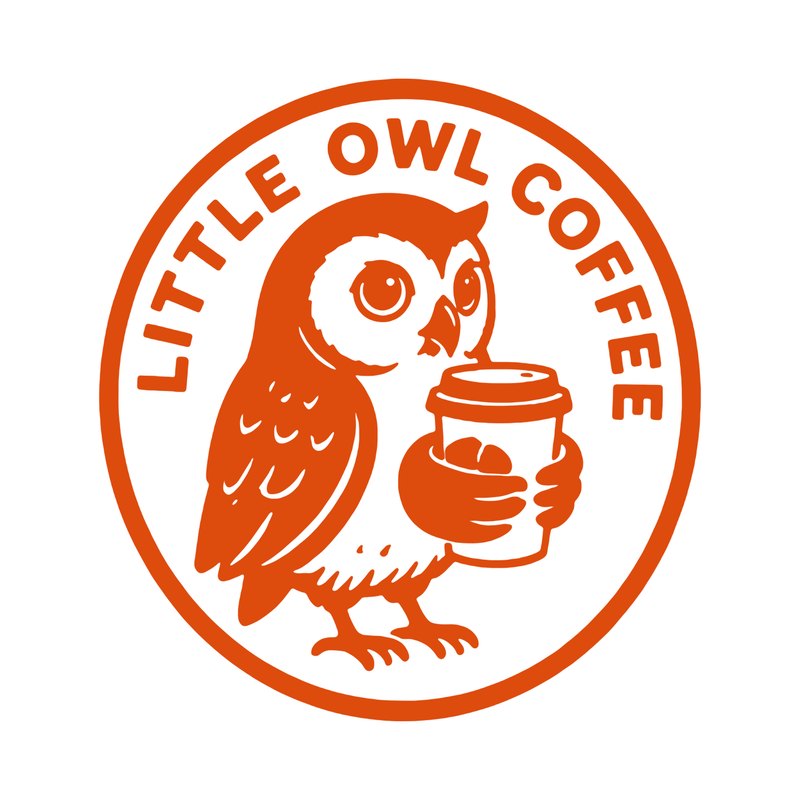
Make the owl wink and give him a small barista apron with a coffee bean on it. Keep the badge, colours and lettering exactly.
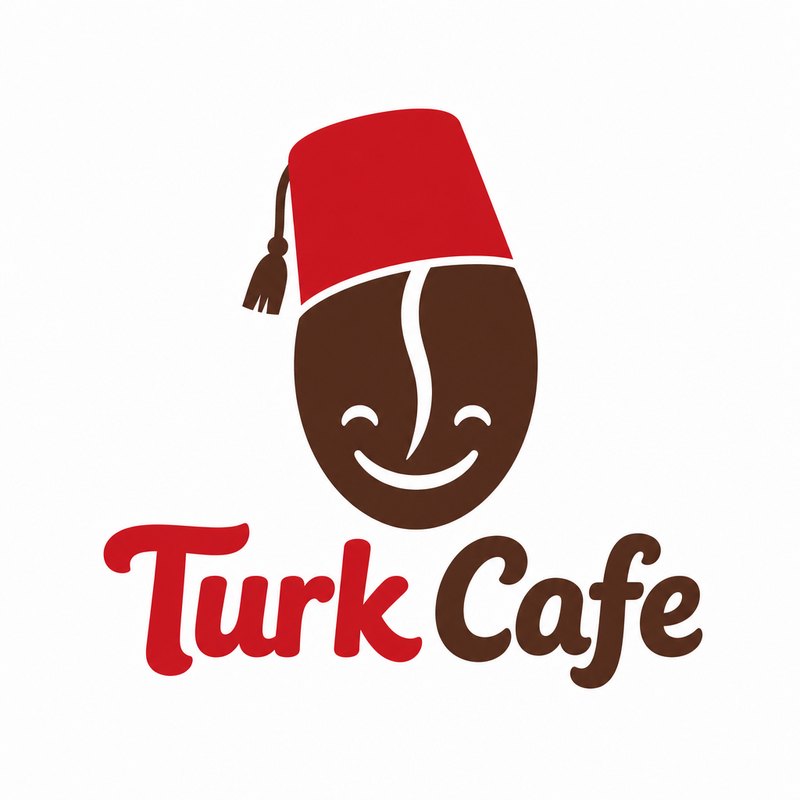
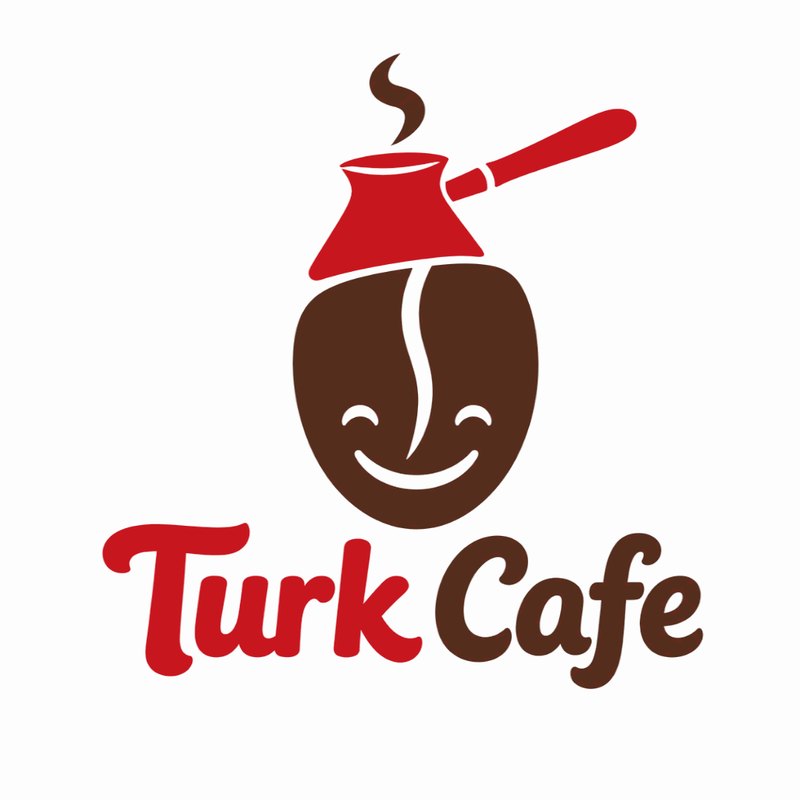
Replace the red fez with a small Turkish coffee pot drawn flat in the same red as 'Turk', with one curl of steam rising from it in the brown. Keep the smiling bean and the 'Turk Cafe' lettering exactly as they are.
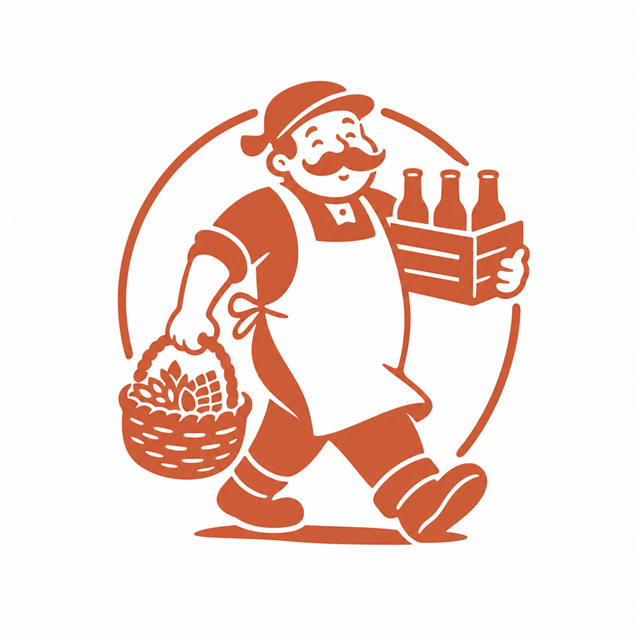
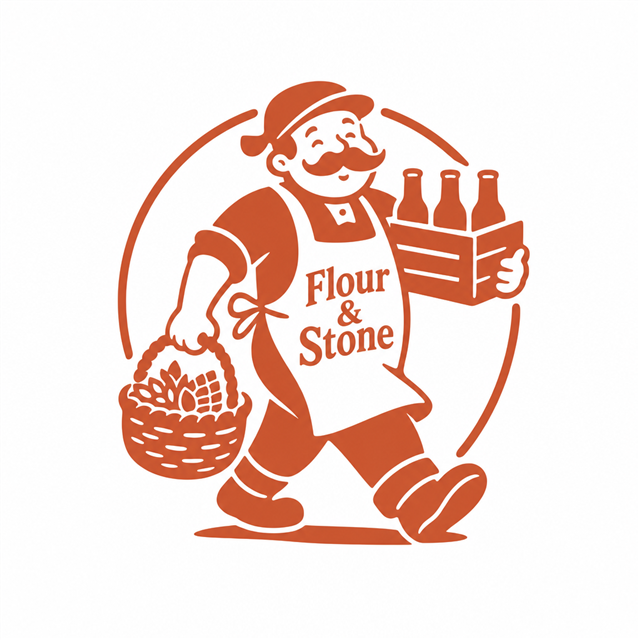
Add “Flour & Stone” text to his apron
Improve it
What should the improvement achieve most for Badger Tree Care?
- More distinctive
- Clearer service
- More premium
- You decide
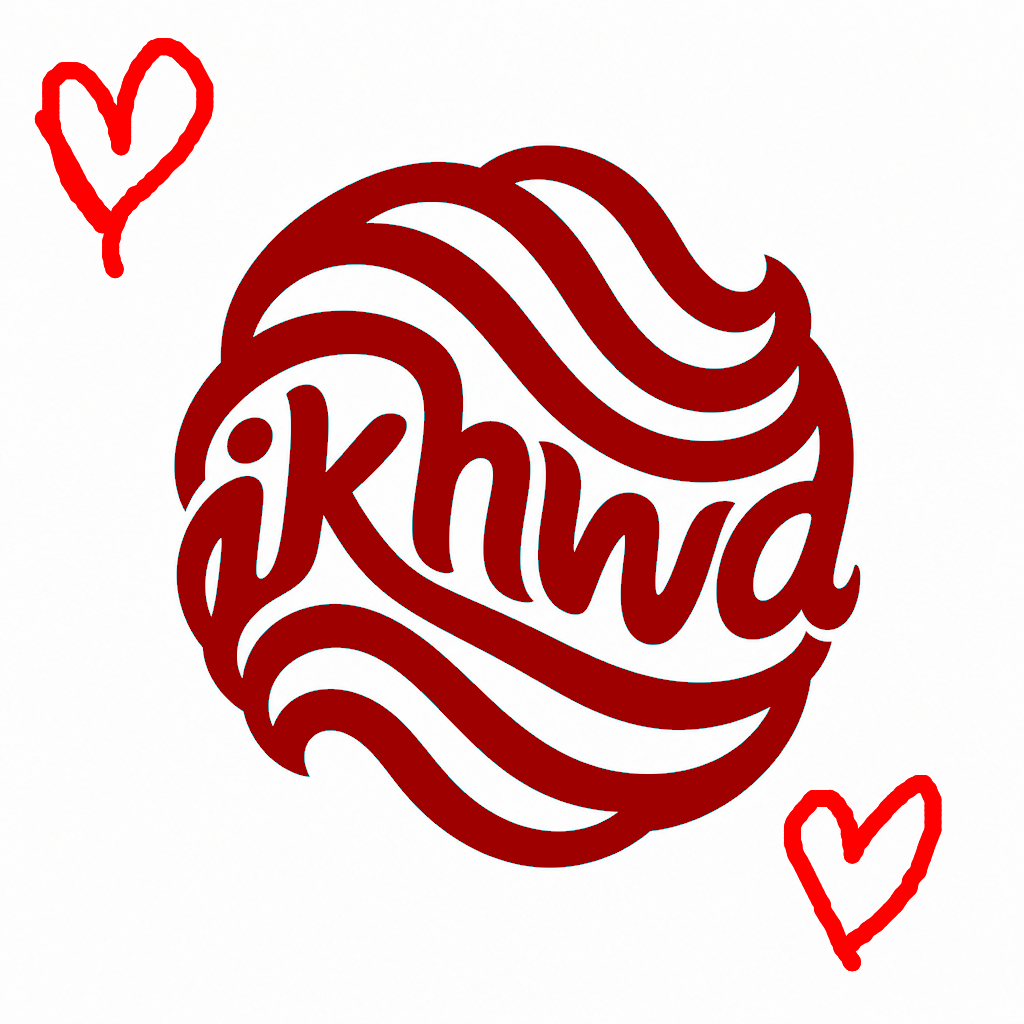
Redraw the hearts to match the style of the logo
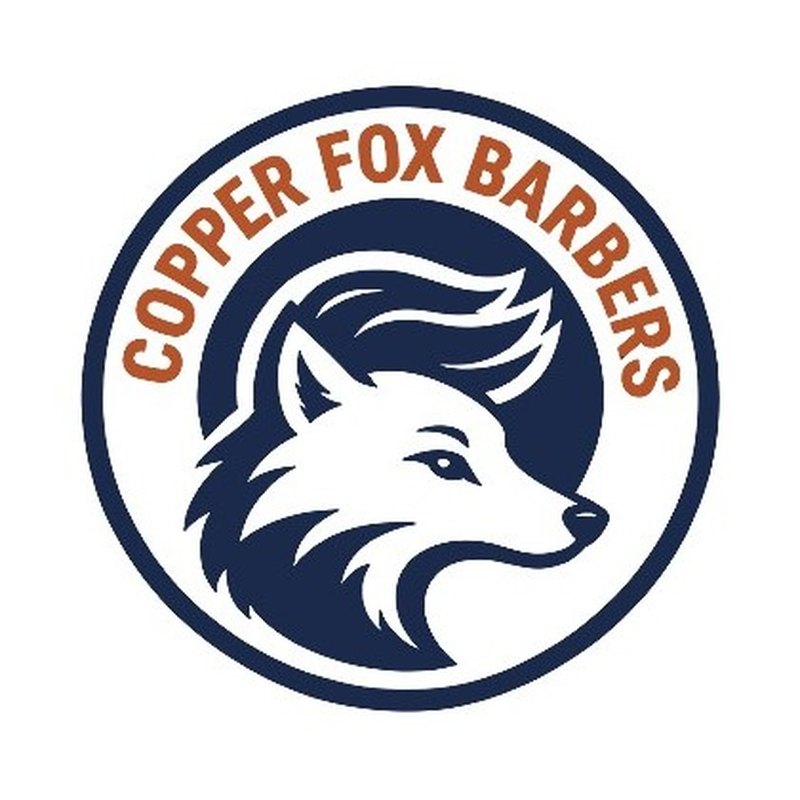
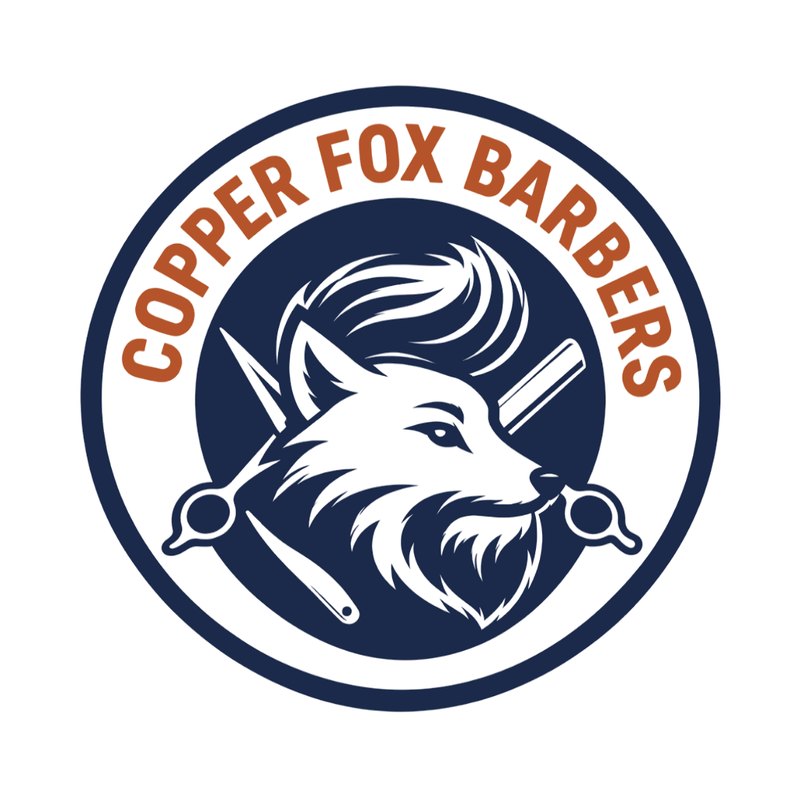
Give the fox a sharp pompadour quiff and a neat trimmed beard, with crossed scissors and a straight razor behind his head. Keep the round badge, colours and lettering.
Turn the owl into a barista: round glasses, pouring latte art from a milk jug into a cup with a heart on top. Keep the badge, colour and lettering exactly.
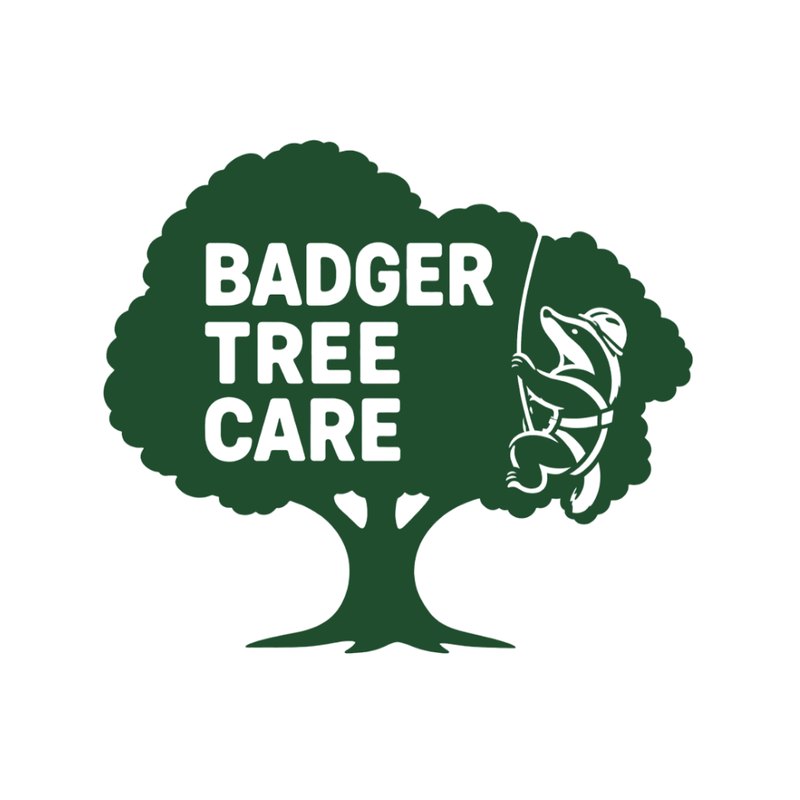
Show the badger climbing up the tree trunk like a tree surgeon: a small safety helmet, a climbing harness, and a rope running from the harness up into the leaves of the canopy. Keep the tree shape, the green and the lettering as they are.
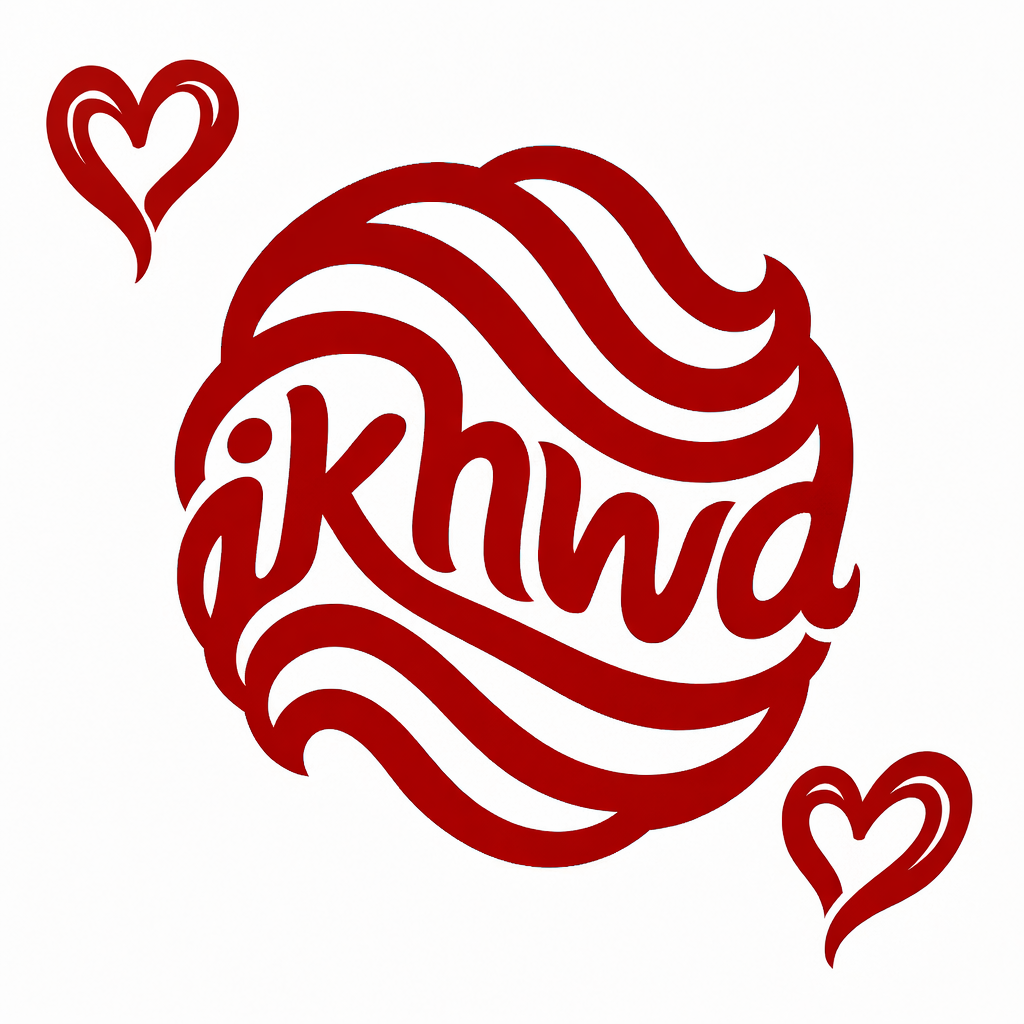
Put “ikhwa” between the waves and make it look seamlessly connected to the waves to form the word
Show where the new work belongs
Red pen marks showing where new content should appear
From abstract waves to a connected logo, then hearts in brand style
A five-step Studio journey: generate, one AI edit to weave in the name, a free paint-bucket recolor, sketched hearts on the canvas, then an AI edit that redrew them as native logo artwork.
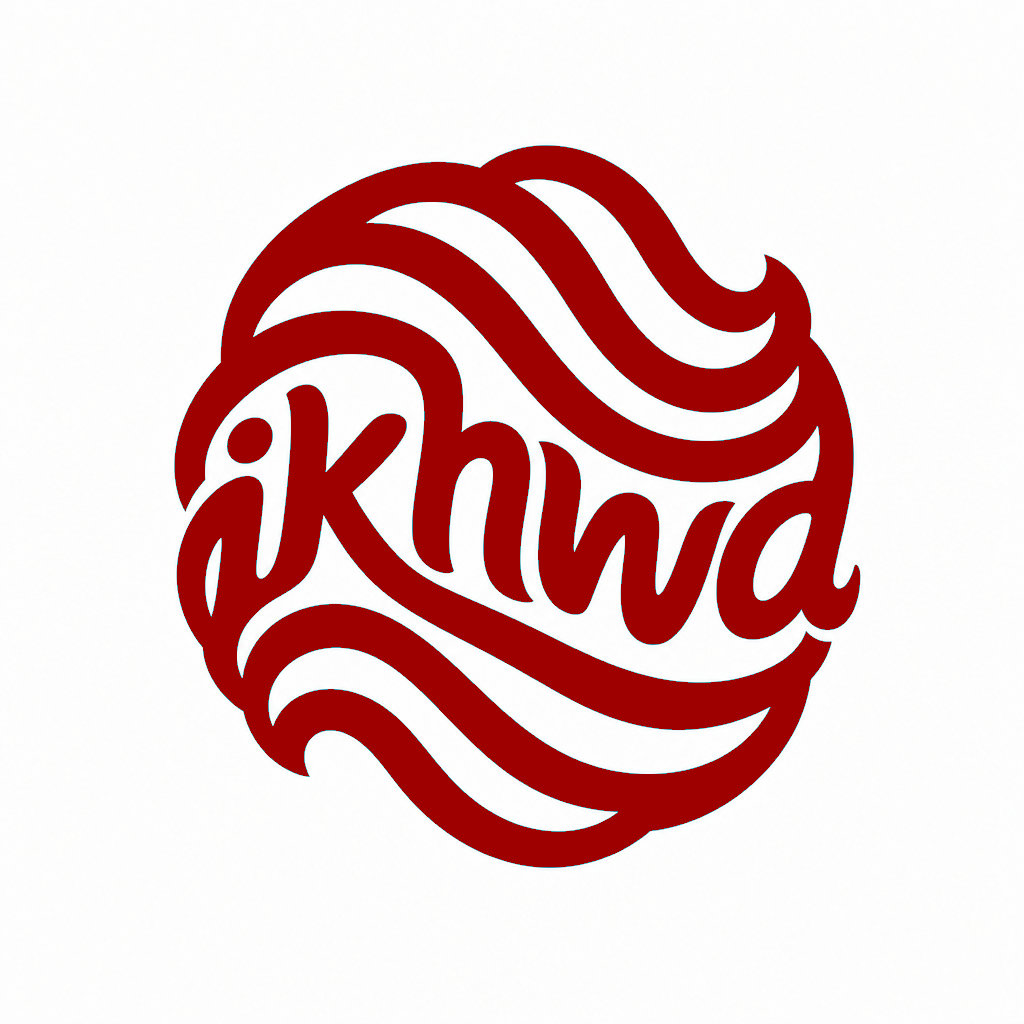
From abstract waves to a connected logo, then hearts in brand style
A five-step Studio journey: generate, one AI edit to weave in the name, a free paint-bucket recolor, sketched hearts on the canvas, then an AI edit that redrew them as native logo artwork.
Warming one colour in a bakery logo with a single edit
The bakery logo had the right structure from the start. One precise edit warmed the stones to brick orange and kept the rest of the mark exactly as it was.
Warming one colour in a bakery logo with a single edit
The bakery logo had the right structure from the start. One precise edit warmed the stones to brick orange and kept the rest of the mark exactly as it was.
Little Owl Coffee: a café brand from Creative Studio
Make the owl wink and give him a small barista apron with a coffee bean on it. Keep the badge, colours and lettering exactly.
Little Owl Coffee: a café brand from Creative Studio
A Bristol coffee shop's description became an owl-and-cup badge, a full brand guide and a playful AI edit, all from one chat.
Frequently asked questions
Quick answers about Vectura.
How do I edit my logo with AI?
Upload your logo, type the change in the chat and press Go. The AI logo editor draws a new version and keeps your original beside it to compare.
Can I show where the change belongs?
Yes. Draw on the canvas with the pen, then say what the mark should become. The logo editor redraws it in the style of your logo.
What if I only say “improve it”?
You get two or three clearly different ideas in the chat. Pick one and the editor draws it.
Do questions in the chat use credits?
No. Questions, ideas and Suggest improvements are free. Credits are used when the AI logo editor draws a new version.