Little Owl Coffee: a café brand from Creative Studio
A Bristol coffee shop's description became an owl-and-cup badge, a full brand guide and a playful AI edit, all from one chat.
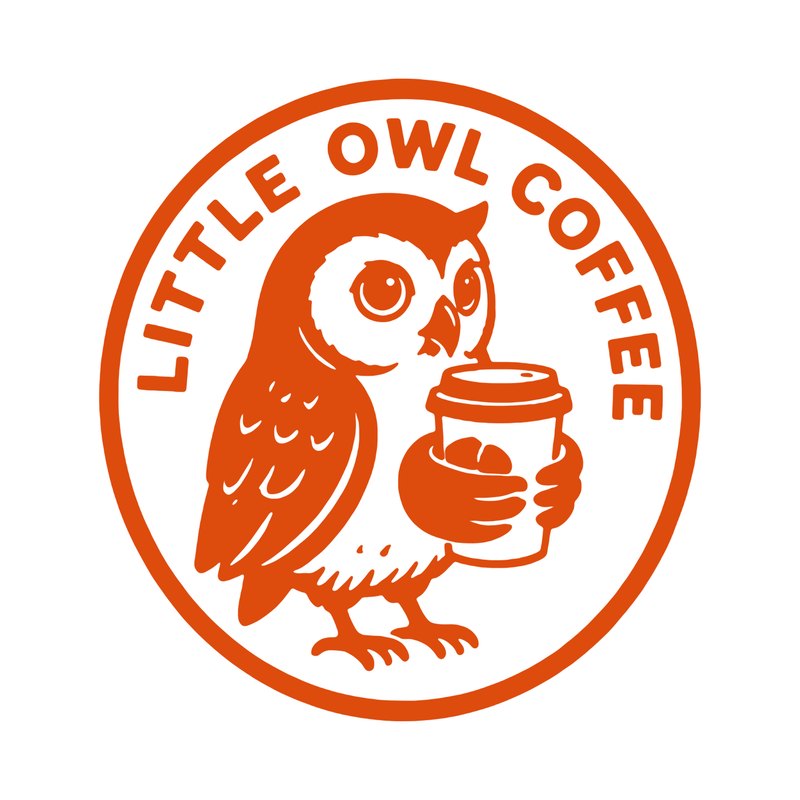
The exact brief
“Little Owl Coffee is a neighbourhood coffee shop in Bristol. Espresso, filter coffee and fresh pastries, with beans roasted in small batches. Open early, friendly and popular with locals on their way to work.”
The edit instruction
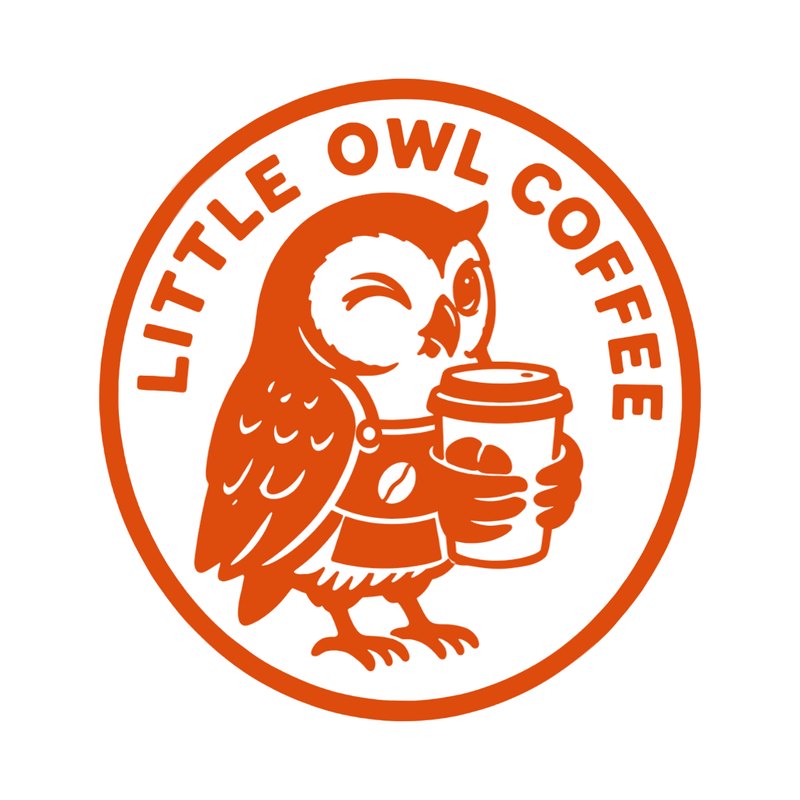
“Make the owl wink and give him a small barista apron with a coffee bean on it. Keep the badge, colours and lettering exactly.”
Original and final
The recorded journey
Action, instruction and visible result for each preserved stage. Manual instructions describe the recorded tool action.
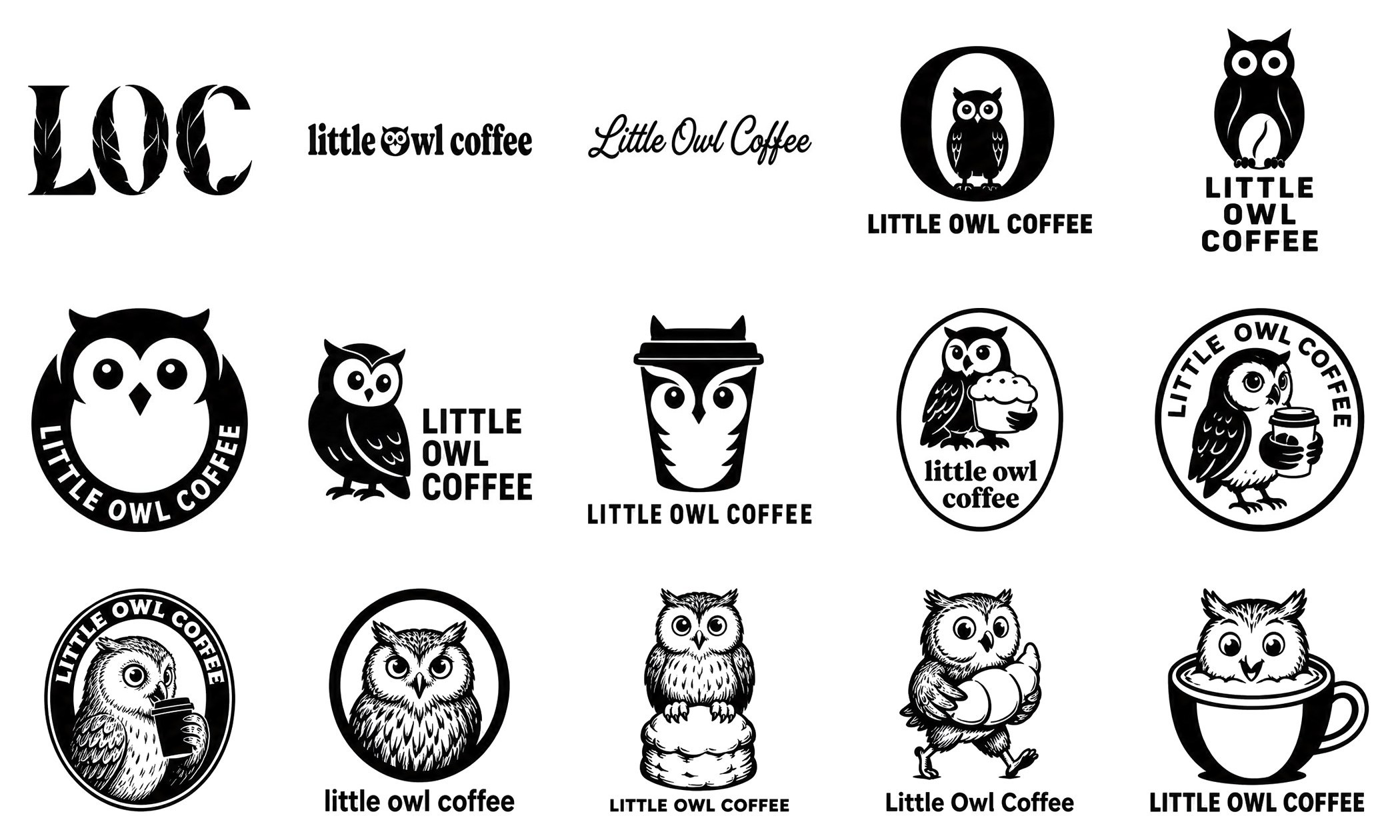
Action: AI generation
Instruction: The description above, with the trade set to Food & Beverage › Cafes › Neighbourhood café, in Bristol.
Result: Creative Studio's logo ideas for the café, drawn from the name, the trade and the place.
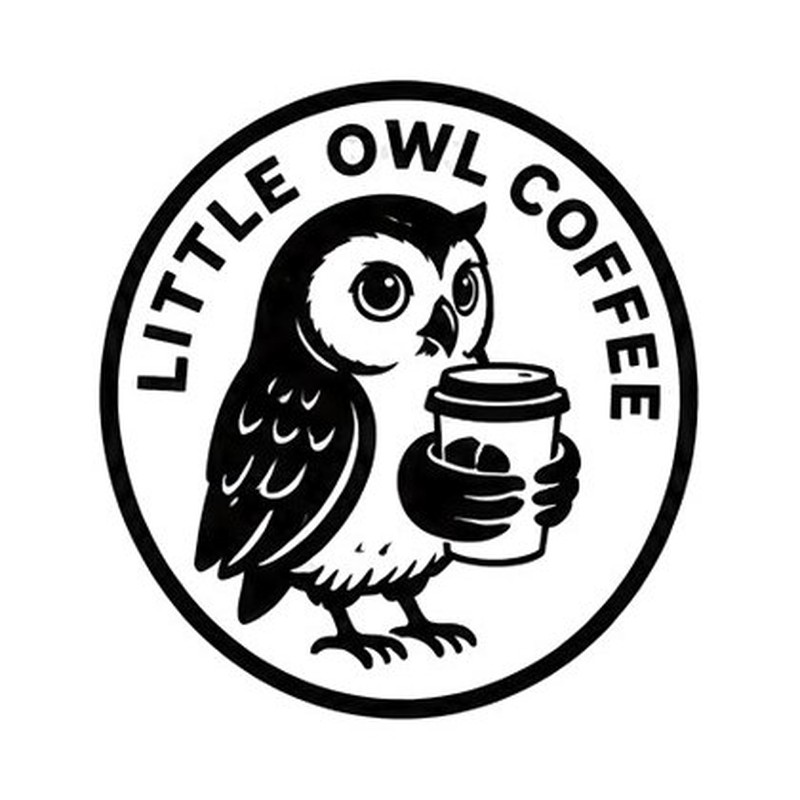
Action: AI generation
Instruction: Picked the owl holding a takeaway cup inside a round badge.
Result: The chosen idea, drawn in one ink.
Action: AI generation
Instruction: Finished the pick in Studio's colour step.
Result: The same badge in a warm roasted orange.
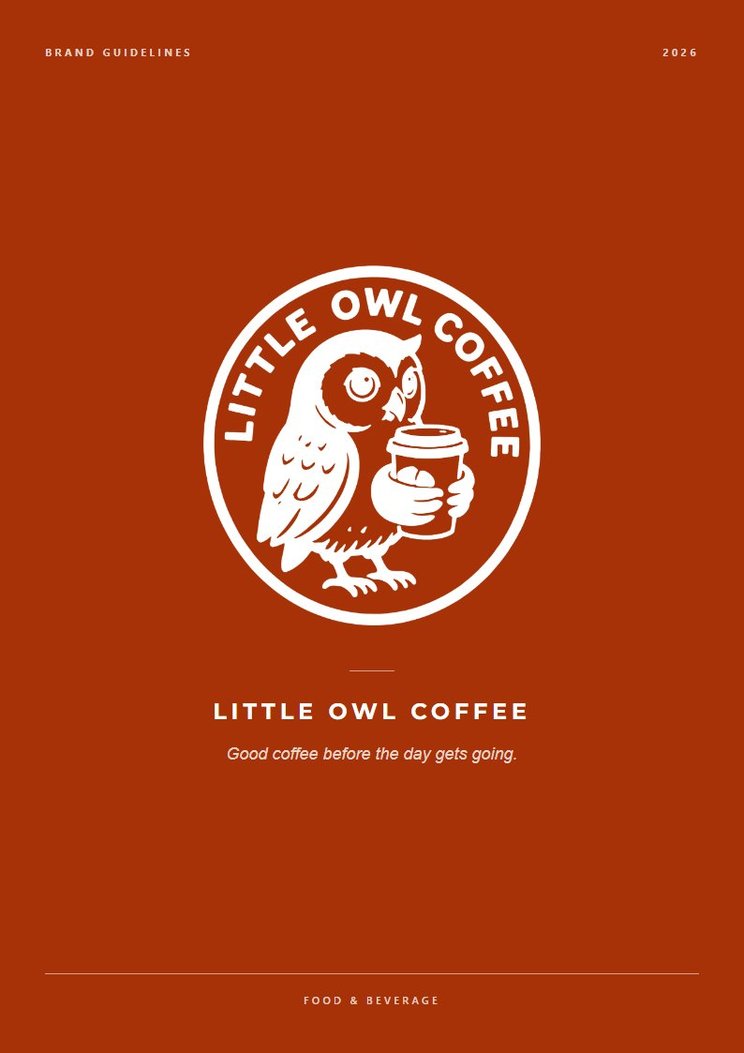
Action: Brand Kit generation
Instruction: Brand Kit on the finished logo, with the values Warm, Friendly, Crafted and Bristol locals and commuters as the audience.
Result: A full brand guide built around the badge.
Action: AI edit
Instruction: Make the owl wink and give him a small barista apron with a coffee bean on it. Keep the badge, colours and lettering exactly.
Result: The owl winks and wears a barista apron; the badge, colour and lettering match the original.
Process
- Describe the café. One short paragraph covers what it serves, where it is and who comes in.
- Let Creative Studio research the trade. Studio, Vectura's AI logo generator, studies coffee shops and draws a board of logo ideas from the name, the trade and Bristol.
- Pick one idea. The owl holding a takeaway cup inside a round badge puts the name and the morning coffee run in one picture.
- Finish it in colour. Studio's colour step gives the badge a warm roasted orange that stands out on cups, bean bags and loyalty cards.
- Build the Brand Kit. The guide takes its colours from the badge and adds type, voice, the logo on light and dark, real-world uses and social posts.
- Play with it in the AI logo editor. One chat message made the owl wink and gave it a barista apron, keeping the badge, colour and lettering in place.
Inside the brand guide
The guide gives the café everything it needs for cups, bean bags, loyalty cards and posts:
- Colour: Badge Orange #E94A0B, Clean White #FFFFFF, Orange Tint #FCE8DF and Deep Orange #A83208, built from the badge.
- Type: Montserrat headings with Inter for body text.
- Tagline: "Good coffee before the day gets going."
- Logo: the badge on light, orange and dark backgrounds, with lockups and app icons.
- In the world: the badge on takeaway cups, a coffee bean bag and a loyalty card.
- Social: posts for Instagram, Google Business Profile and in-store menus.
One brand, many moods
The winking owl shows what the AI logo editor adds after the brand is set. A café can make a seasonal or playful version of its badge in one message, while the round badge, the orange and the lettering stay true to the brand guide.
What was delivered
- A board of Creative Studio logo ideas
- The picked badge in one ink and in colour
- Brand Guidelines PDF with palette, type, logo use and real-world mockups
- A playful winking-owl version made in the AI logo editor
Reproduce this with your own brand
- Open Creative Studio and describe your business in a few honest sentences.
- Choose your trade and place, then let Studio draw your board of logo ideas.
- Pick the ideas you like and finish them in colour.
- Open Brand Kit on your favourite, then use the AI logo editor for playful or seasonal versions.
Common questions
Did the edit change the brand colours?
The edit kept the badge, the orange and the lettering, and changed only the owl's eye and outfit, exactly as the message asked.
Can I see the whole guide?
Yes. The full PDF is linked below.
Evidence
Build your own connected visual system
Start from one honest brief, refine the selected direction, and carry the result into the formats your launch actually needs.
Start your Creative Studio brief