Badger Tree Care: from a Creative Studio board to a full brand
One description of a Kent tree surgeon became a board of logo ideas, a green badger-and-oak mark and a complete brand guide.
The exact brief
“Badger Tree Care is a team of qualified arborists in Kent. They prune, reduce and fell trees, grind stumps, survey trees for planning and clear storm damage for homes, schools and councils. Fully insured, careful near houses and known for leaving sites spotless.”
Original and final
The recorded journey
Action, instruction and visible result for each preserved stage. Manual instructions describe the recorded tool action.
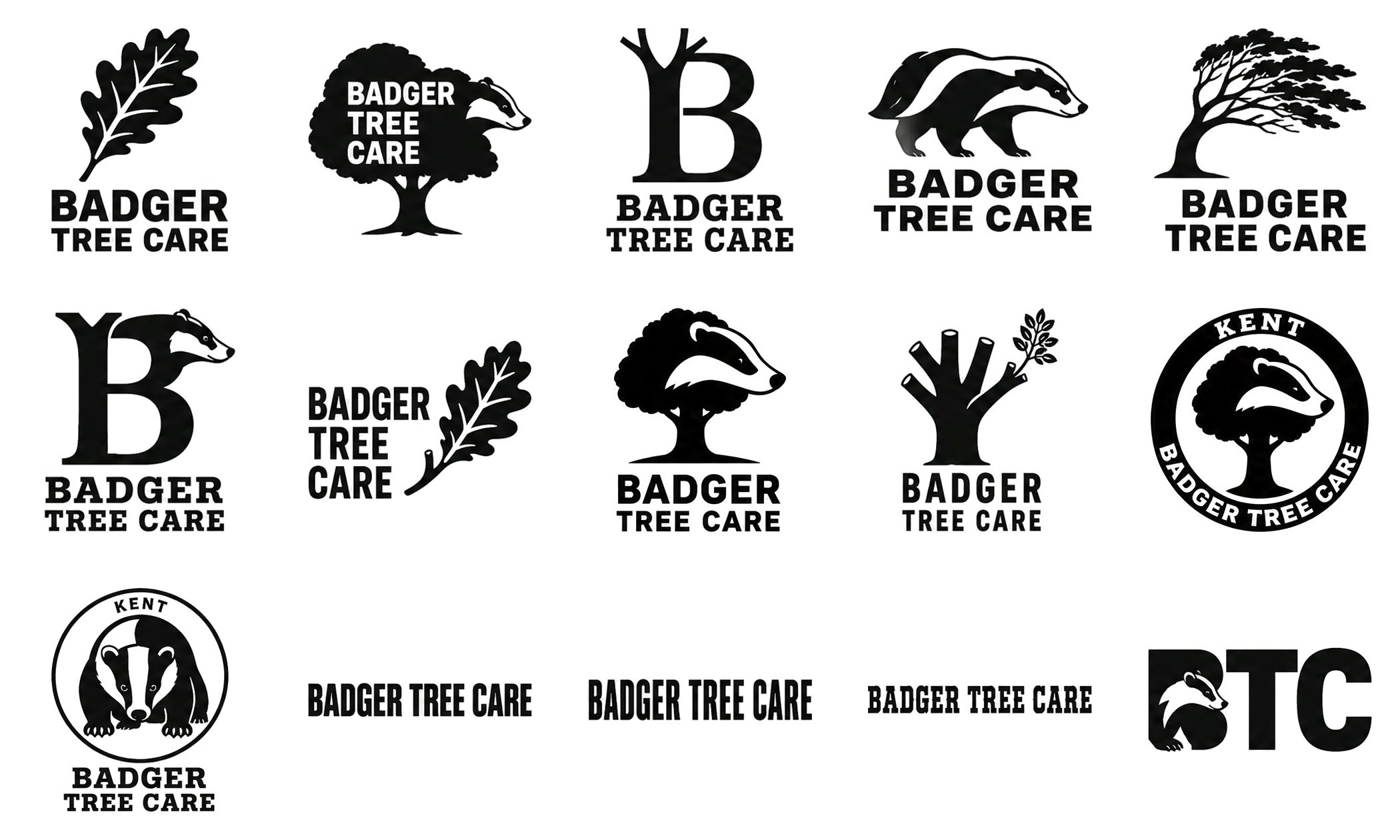
Action: AI generation
Instruction: The description above, with the trade set to Trades & Construction › Landscaping › Tree surgeon or arborist, in Kent.
Result: Creative Studio's logo ideas for the business, drawn from the name, the trade and the place.
Action: AI generation
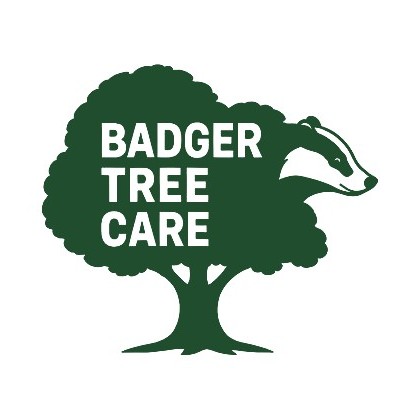
Instruction: Picked the badger looking out from an oak, with the name set in the canopy.
Result: The chosen idea, drawn in one ink.
Action: AI generation
Instruction: Finished the pick in Studio's colour step.
Result: The same mark in a deep woodland green.
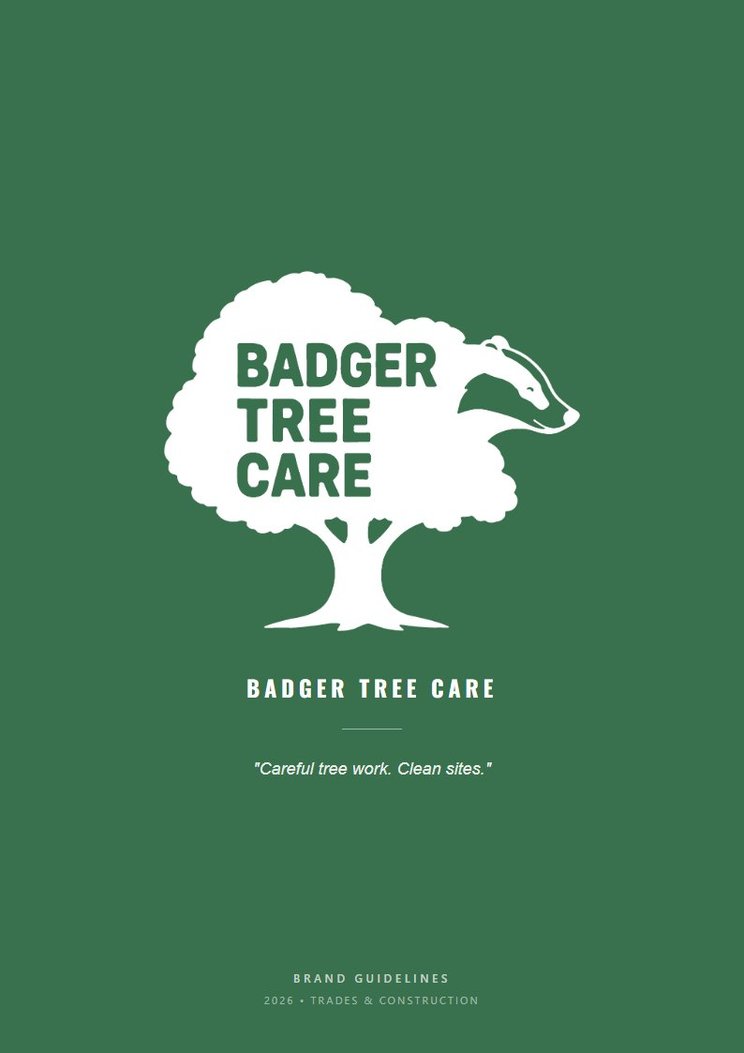
Action: Brand Kit generation
Instruction: Brand Kit on the finished logo, with the values Trustworthy, Skilled, Careful and homeowners, schools and councils in Kent as the audience.
Result: A full brand guide built around the mark.
Process
- Describe the business. The brief is one plain paragraph: who they are, what they do, where they work and what they are known for.
- Let Creative Studio research the trade. Studio, Vectura's AI logo generator, studies tree surgery and the business itself, then draws a board of logo ideas from the name, the trade and the place.
- Pick one idea. The badger looking out from an oak joins the name and the trade in a single shape, with the name set inside the canopy.
- Finish it in colour. Studio's colour step gives the mark a deep woodland green that suits outdoor work, vans and site signs.
- Build the Brand Kit. The guide takes its palette straight from the logo and adds type, voice, the logo on light and dark, real-world uses and social posts.
Inside the brand guide
The guide is ready to hand to a sign maker, a printer or a web designer:
- Colour: Canopy Green #1D4F32, Leaf Green #39704D and Sage Tint #8EAA98, all taken from the logo.
- Type: Oswald headings with Source Sans 3 for body text.
- Logo: the mark on light, brand-green and dark backgrounds, with clear space and minimum sizes.
- In the world: the logo on a crew jacket, a site sign and a work van.
- Social: posts for Facebook, Instagram and Google Business Profile.
Why the badger works
Tree surgeons mostly use a tree, a leaf or a chainsaw. Badger Tree Care's mark keeps the tree that says the trade at a glance and adds the badger from the name, so the logo reads as this business alone. The name sits inside the canopy, which keeps the whole mark in one clear shape on a van door or a hi-vis jacket.
What was delivered
- A board of Creative Studio logo ideas
- The picked logo in one ink and in colour
- Brand Guidelines PDF with palette, type, logo use and real-world mockups
- Logo pack for light, dark, round and square spaces
Reproduce this with your own brand
- Open Creative Studio and describe your business in a few honest sentences.
- Choose your trade and place, then let Studio draw your board of logo ideas.
- Pick the ideas you like and finish them in colour.
- Open Brand Kit on your favourite and download the guide and the logo pack.
Common questions
Was the logo edited by hand?
The mark is the Studio pick finished in Studio's colour step. The brand guide shows it exactly as delivered.
Can I see the whole guide?
Yes. The full PDF is linked below.
Evidence
Build your own connected visual system
Start from one honest brief, refine the selected direction, and carry the result into the formats your launch actually needs.
Start your Creative Studio brief